Private import
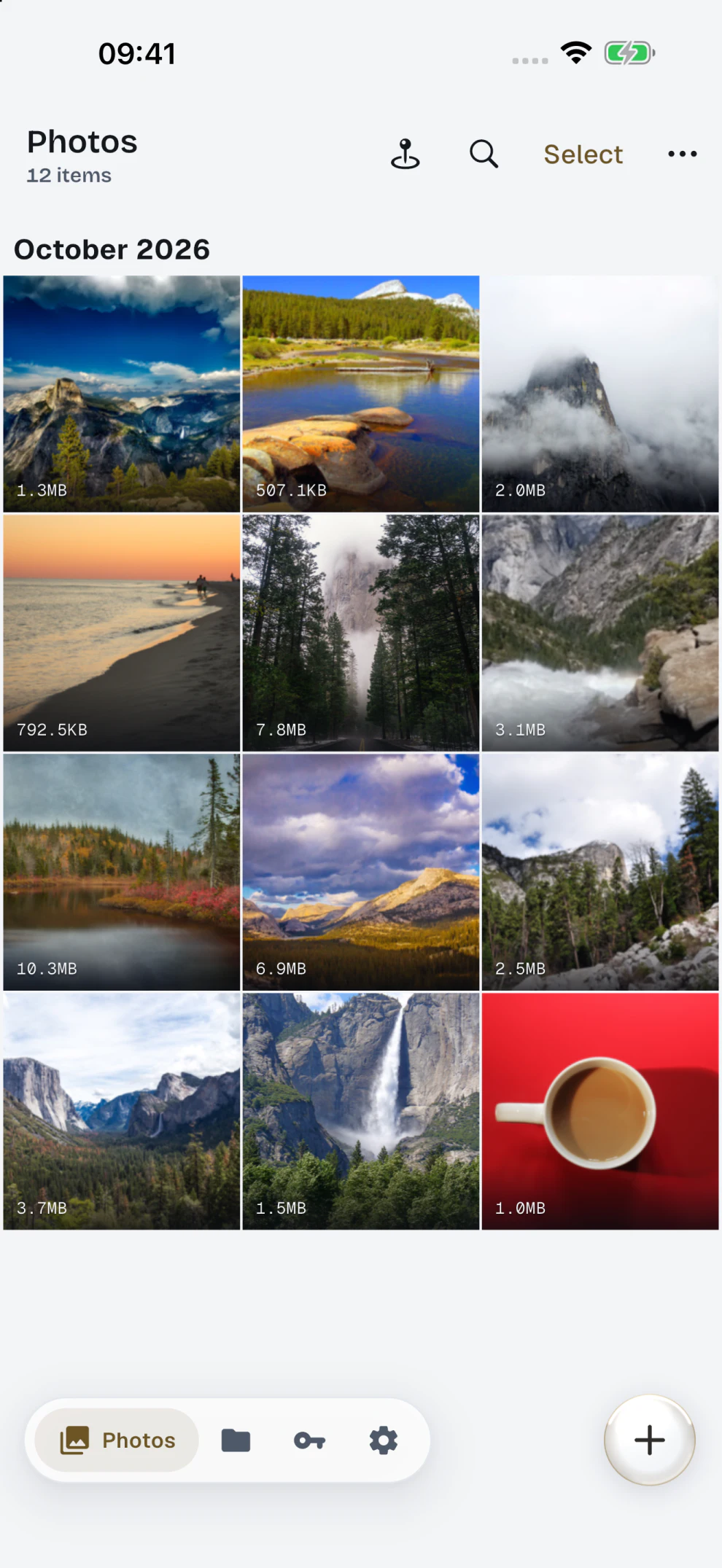
Pick only the photos you want, without full-library access.
 Vailuna
A private vault for photos, files & passwords
Your photos, videos, files and passwords, kept in a vault of your own. Save locally, or sync encrypted data through your own cloud account. Your memories stay yours.
No sign-up Your cloud, your files Encrypted before cloud upload
EVERYDAY, PRIVATE
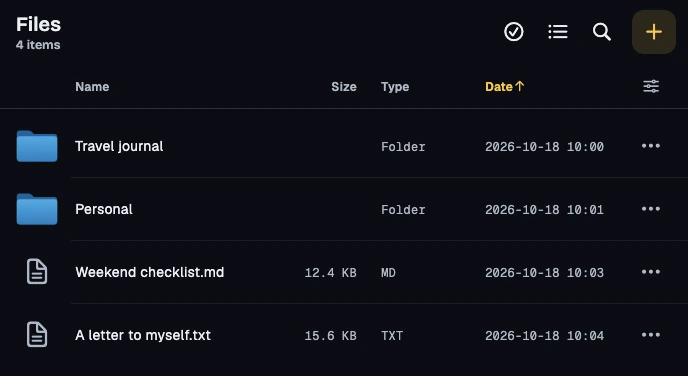
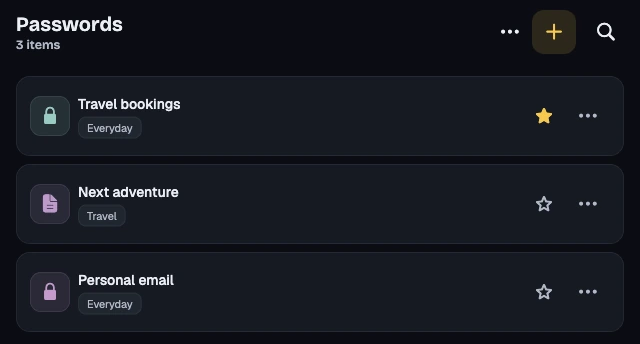
Travel plans, personal documents, passwords and little notes. Keep them together in your encrypted vault, with familiar folders and clear controls.
App interface details · illustrative content
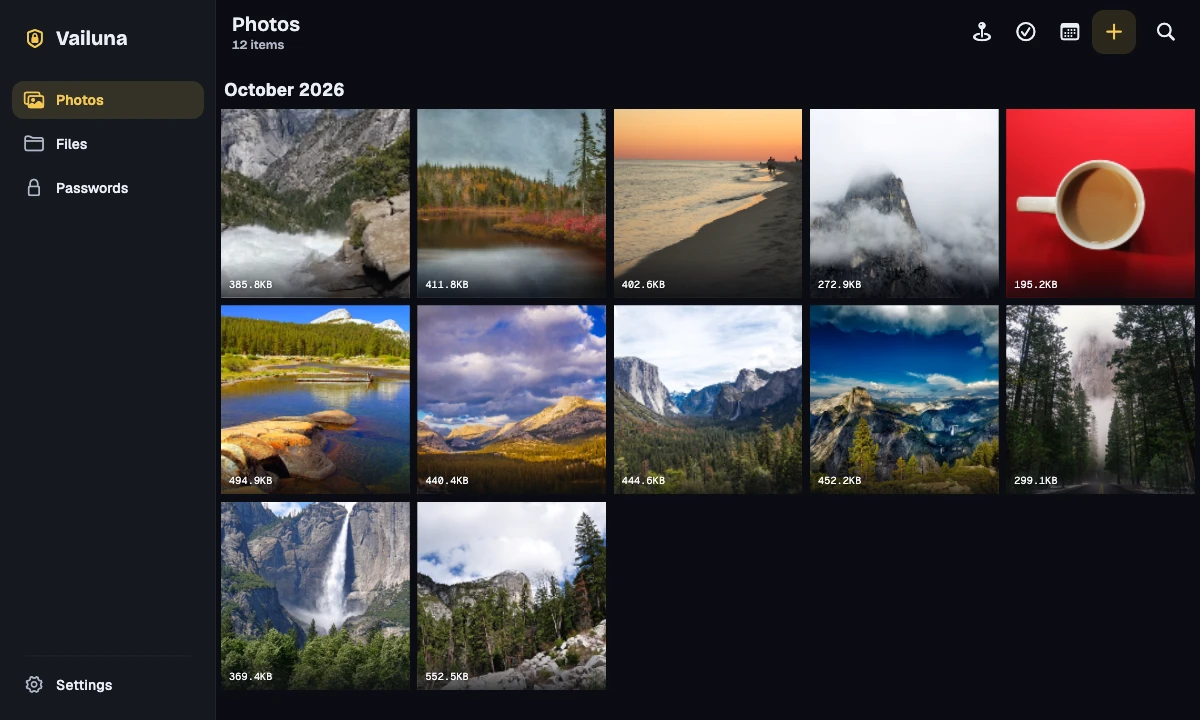
VAILUNA · MAC
Browse your library in a wider workspace. Move between photos, files and passwords with familiar keyboard controls.
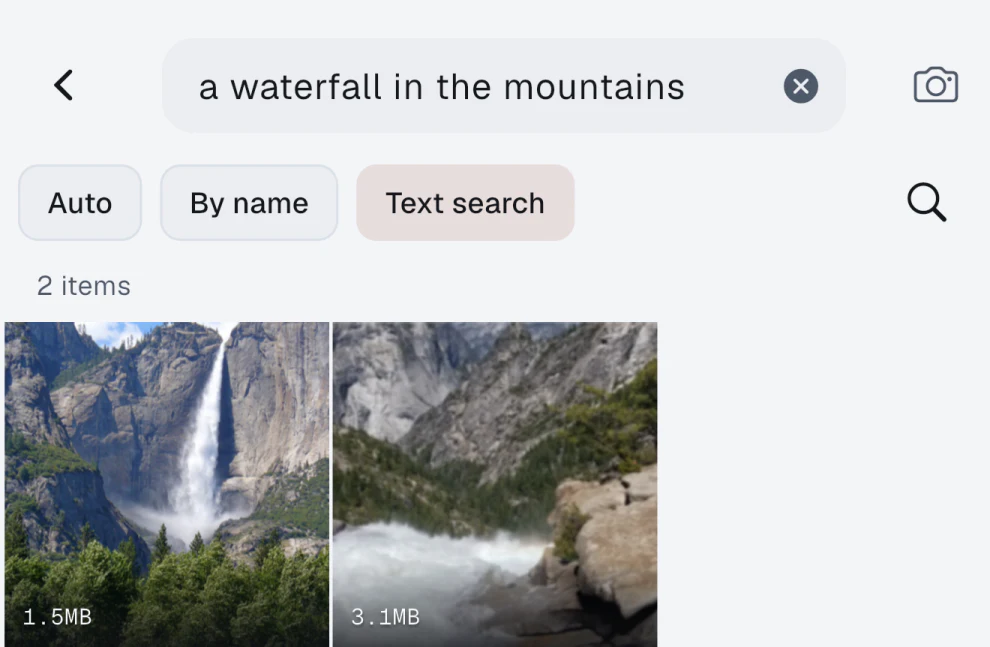
SEARCH, PRIVATELY
Describe a scene, use a similar image, or select an object in a photo. Optional visual and text models run on your device; photos are not uploaded for analysis. Models may need an initial download.
Browse photos and videos by time. Organize documents and passwords. Edit supported text formats, and find photos by a description, image or place.
Pick only the photos you want, without full-library access.
Photos, PDFs, documents and folders, encrypted as you add them.
Find photos by words, images or objects. Optional models run locally.
Your own cloud, the same vault, across devices.
Edit supported text and Markdown, then save encrypted.
Keep the photo and its motion together. Hold to play.
Play and seek while decrypting. Cloud originals may need to load.
Browse by place. Optional map services use the network.
Choose which photo metadata to remove before sharing.
Logins, secure notes and verification codes, together.
Biometrics, auto-lock and privacy shielding where supported.
Collect on iPhone or iPad. Keep organizing on Mac.
YOUR STORAGE, YOUR CHOICE
Encryption happens on your device first. Keep the vault locally, or connect your own cloud. Vailuna does not host your vault or hold its decryption keys.
Encryption is the default. Sync is your choice.
Keep everything on your device. A cloud account is optional.
When you want sync, use your own cloud account. It stores encrypted vault data.
Unlock with your vault password. Keep your recovery code somewhere safe; we cannot recover it for you.
An interactive illustration of the difference: hold to reveal a sample image, then release to hide it. In the app, files are encrypted before upload.
Hold the card to decrypt · release to return to ciphertext
Supported sync services
iCloud · Google Drive · Dropbox · WebDAV · S3
Custom sync folders are also supported. Multi-device sync requires Pro; use your own cloud account and storage.
Sync both ways between iPhone, iPad and Mac, including devices of the same kind. Changes are encrypted before they reach your own cloud.
Connect to the same cloud location and unlock the same vault.
Set a vault password and save your recovery code somewhere safe. No Vailuna account or email is needed.
Pick photos and videos, or drop in any file — it's encrypted the moment it goes in.
Keep a local vault, or use Pro to connect your own cloud for multiple devices. Cloud storage is provided by your own account.
FREE & PRO
The local vault and search are free on iPhone and iPad. Pro adds Mac activation, multi-device sync and optional photo optimization. Your cloud storage stays separate.
Local use on iPhone & iPad
The conveniences on top
Official pricing will be shown on the App Store at launch. Cloud storage is not included.
We do not host your vault or hold its decryption keys. Optional services, including desktop activation, make network requests described in our Privacy Policy.
Nothing in the app watches you — no analytics, no ad code, no third-party trackers.
Photo analysis runs locally. Optional model downloads and map services may require a connection.
Diagnostics never upload themselves. They leave your device only if you export them yourself.
Keep your password and recovery code safe, and protect your device. Encryption works alongside these precautions.
Importing creates a separate copy in your vault. Source files outside Vailuna stay where they are. Optional photo optimization affects the imported copy; review its options before enabling it.
Optional models may need downloading, and your library needs indexing. Complete preparation in the app; later searches use the local index. Time depends on the library and device.
Sync includes deletions. Keep an independent backup of important material. Disconnecting a device or cancelling Pro does not delete every cloud copy.
Sync and backupsSave the recovery code when you create your vault. It can reset a forgotten password. If both the password and recovery code are lost, we cannot restore access.
How to recover accessNo. Scanning from your subscribed iPhone activates the Mac app. To sync files, connect both devices to the same cloud location and unlock the corresponding vault.
Mac activation guideYes. Keep the vault on your device; sync is optional. Mac activation, subscription checks and optional online services still require a connection.
A cloud login alone does not unlock your encrypted vault. Use a strong vault password and protect the recovery code. File sizes and other storage metadata may still be visible to your provider.
Videos support playback while decrypting and seeking. First access to cloud-only files, your connection and device performance can still affect waiting time.
No Vailuna account or email verification is needed. Open the app and set a vault password. Optional cloud sync uses your own provider account.
Change your password and, when needed, rebuild the vault with new keys in security settings. A password change cannot invalidate an old vault copy someone already holds. Protect your cloud account and backups too.
Visual and text photo search run on your device. Photos are not sent to a model service. Initial model downloads and system map services may use the network; the Privacy Policy explains these boundaries.
Official download links will appear here when each version is ready.
Planned for the App Store. The local vault and search are free to use.
Preview the iPhone appPlanned as a website download. Activate with Pro on your iPhone, then set up file sync separately.
Mac setup guide